Links:
- Plugin: https://community.obsidian.md/plugins/sqlite-db-viewer
- GitHub: https://github.com/bakanovskii/obsidian-sqlite-db-viewer.
Uses WASM SQLite injection directly in the plugin, so it works completely locally and without installing external dependencies.
Notes have two rendering modes:
- Via code blocks with a keyword
- Via internal links (
![[]])
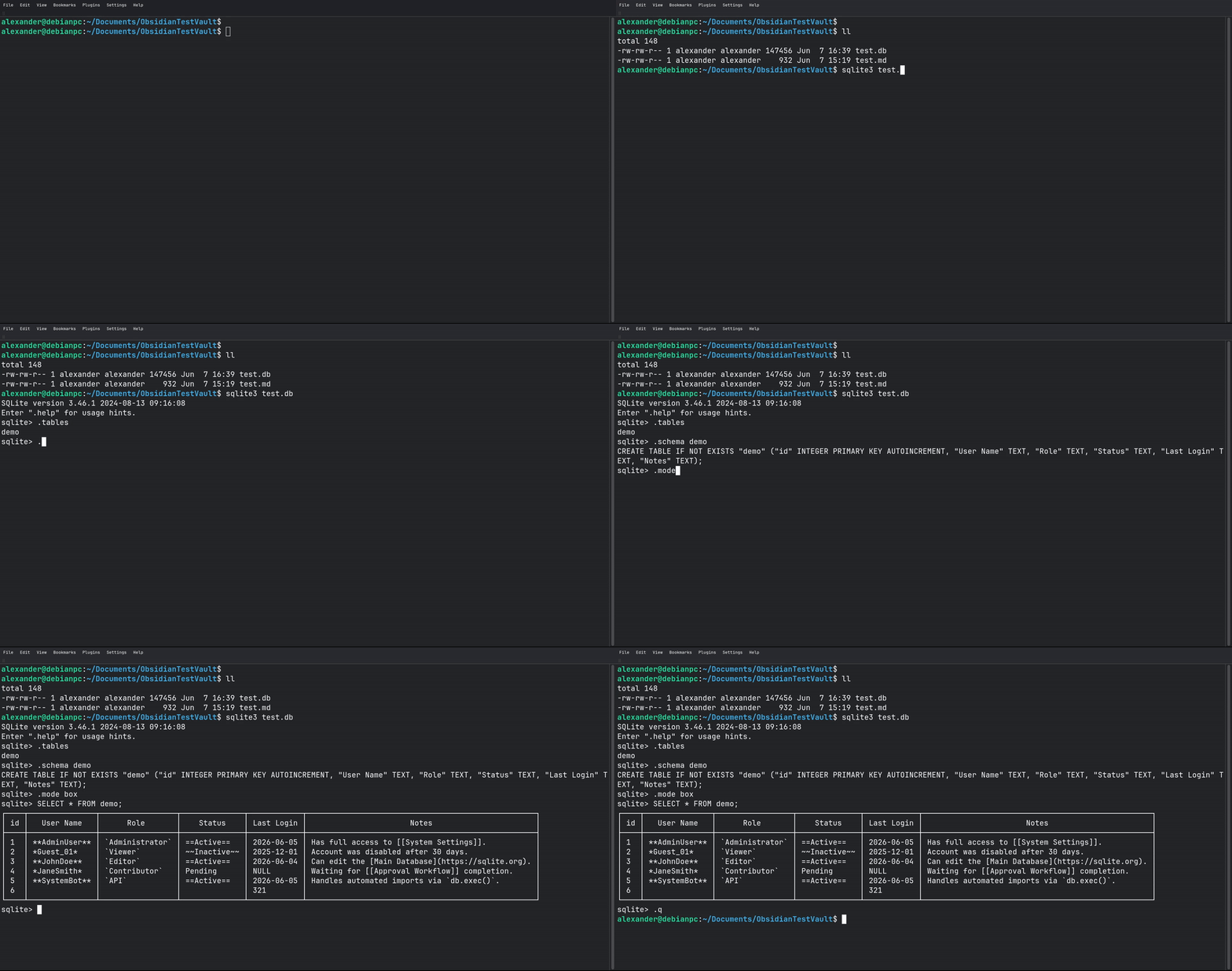
You can import existing Markdown tables into an SQLite database.
Full documentation is available on GitHub.
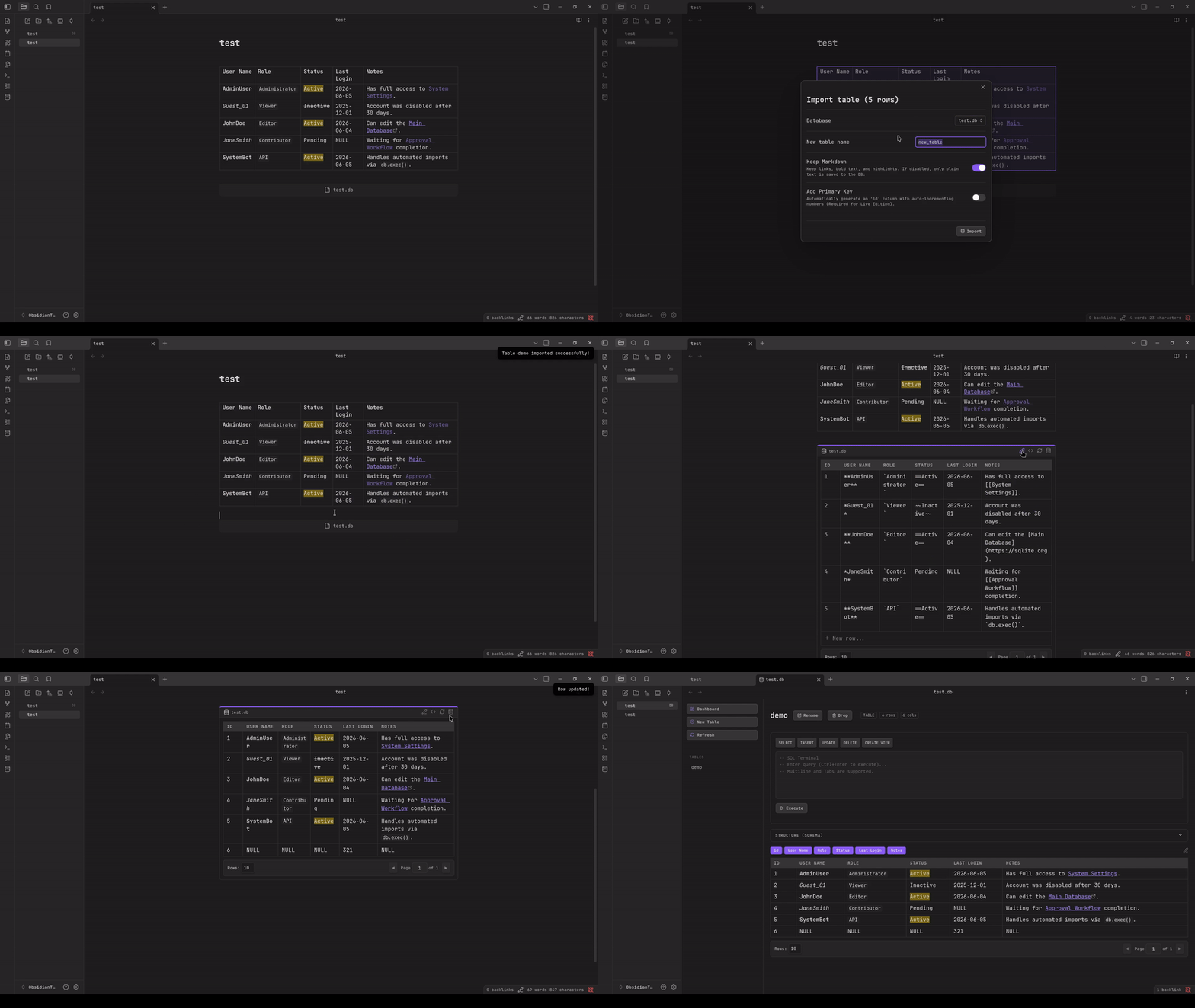
Using the same DB with sqlite3 tools: